
Help Center
How to accept credit cards for your league
What you will learn
- Connect a Stripe account to your organization
- Understand why cards do not switch on the moment you finish
- Turn card payments on and off without disconnecting
- Know where the money goes and when it arrives
Takes about 10 minutes, plus a few minutes of verification.
Learn how to connect a Stripe account so families can pay registration fees by card, where that money goes, and why finishing the setup form does not switch cards on straight away.
Card payments run through Stripe, and the money goes to your own bank account rather than passing through Playbook Logix. You connect once per organization.
Before you start
- You must be the organization owner, not an administrator
- Bank account details for wherever the money should land
- For an incorporated club, your tax identification number
Start from organization settings
Open Organization Settings and scroll to Accepted Payment Methods. At the bottom is Connect your Bank Account, with a Connect with Stripe button.
Work through Stripe
The button hands you to Stripe. You are on their site from here, and the page says so.
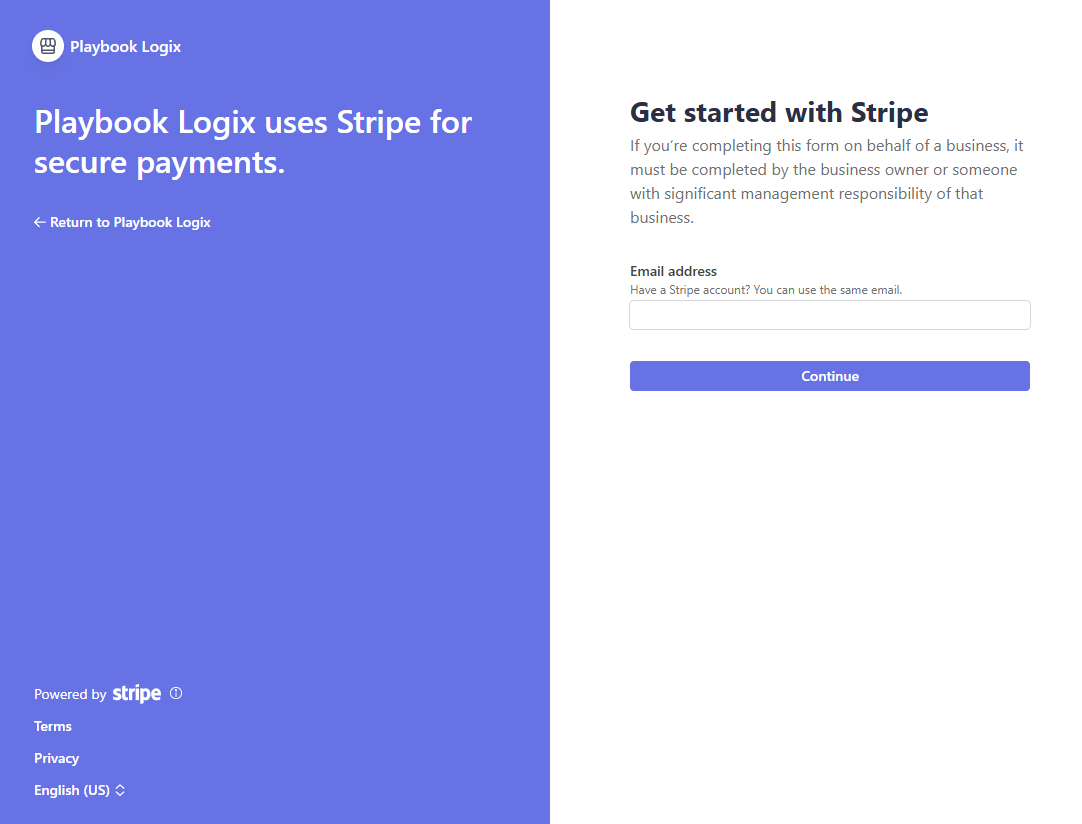
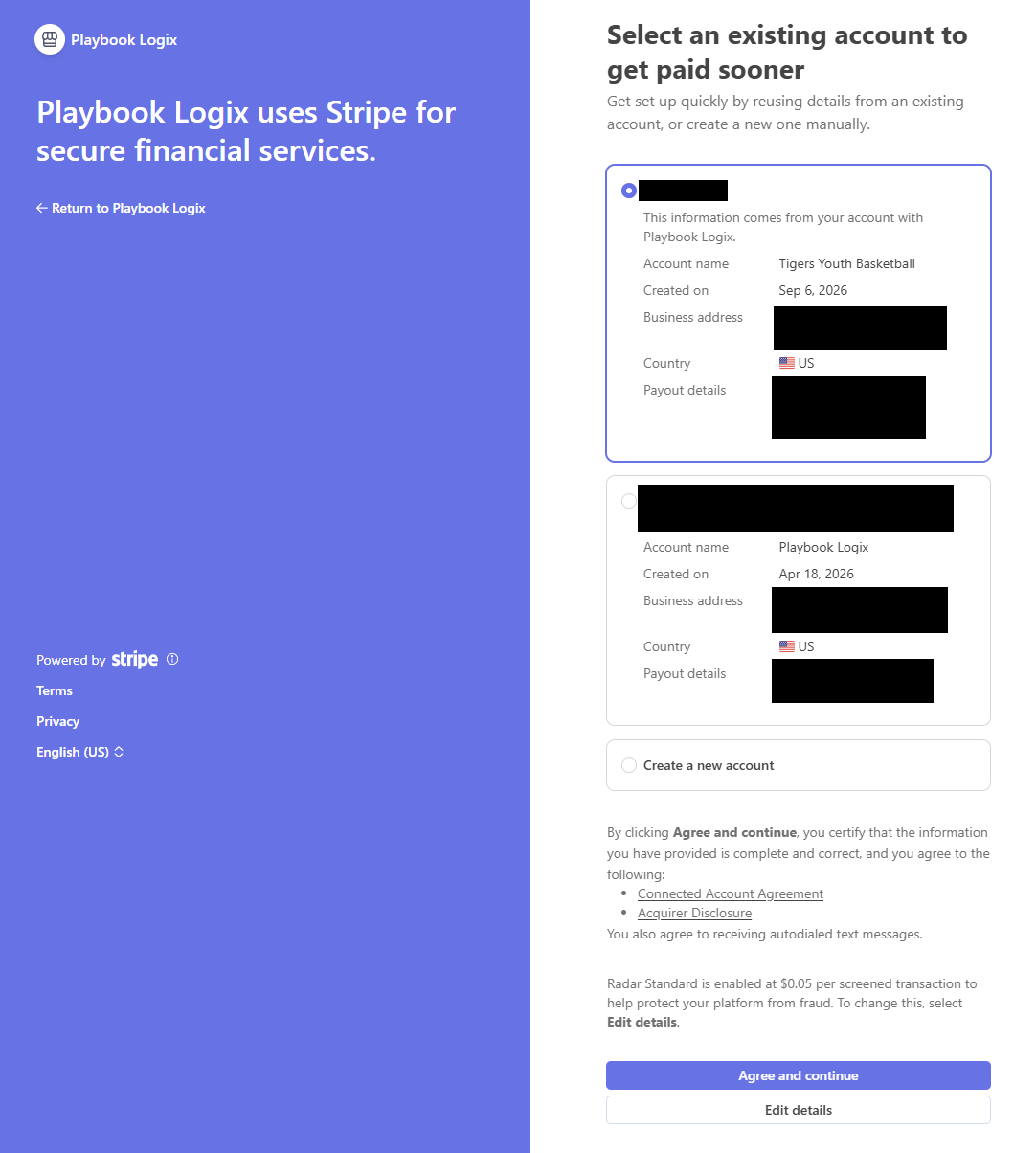
If you already have a Stripe account, use the same email and Stripe offers to reuse what it knows rather than making you type it again.
Stripe then asks for the things any payment processor has to ask: who you are, what the organization does, and which bank account should receive the money. When you finish, it sends you back.
Wait for Stripe to verify
This is the single most common thing coaches ask about, and it is not a fault. It is a payment processor doing the checks a payment processor has to do.
What connected looks like

Enable Credit Cards is a switch you control independently of the connection. Turning it off stops offering cards at checkout without disconnecting anything, which is useful for a program you would rather collect in person.
Disconnect Account unlinks it entirely. You would only want that if you were moving to a different bank account or a different Stripe account.
When the money arrives
Stripe pays out to your bank on its own schedule, typically a couple of days after the charge for a new account and faster once established. That timing is between you and Stripe; Playbook Logix is not holding the money at any point.
What Playbook Logix shows you is the ledger: what each family owes, what has been paid, and what is outstanding. See managing registrations and payments.
What it costs
Stripe takes a percentage plus a fixed amount, and Playbook Logix takes a flat fee per payment. You decide whether that comes out of your fee or is added to the family's total. See what card payments cost.
Common questions
Who can connect Stripe?
I finished the Stripe form but cards still are not working. Why?
Does Playbook Logix hold my money?
Can I turn card payments off without disconnecting?
What if I already have a Stripe account?
Last updated September 21, 2026.
Ready to run your season on this?
Playbook Logix is free to start, and no credit card is needed.